

Smart home for renters is no longer just a wish list item for homeowners. If you rent a one- or two-bedroom apartment and want better security or convenience—without risking your deposit or violating lease terms—this guide is for you.
Most rental apartments forbid drilling or permanent changes, and budgets are usually tight. It’s easy to get overwhelmed or buy the wrong device. We’ll break down renter-safe upgrades, real costs, and exactly how to pull it off—while protecting your relationship with your landlord.
Below you’ll find specific product picks, installation hacks, communication templates, pitfalls to avoid, and the exact workflow I’d use as a renter in 2026.
Key Takeaways
- One-third of U.S. rental units have any smart-home tech; Wi-Fi/Bluetooth locks ($99–$149) are the go-to upgrade for lease safety and portability.
- Most renters succeed by choosing removable, plug-and-play products—smart plugs, bulbs, cameras, and contact sensors—with zero drilling or wiring.
- Landlord approval is easiest when you can show no permanent alterations and promise to restore all hardware at move-out (template included below).
- Are smart homes for renters worth it?
- Main barriers renters face (and how this guide solves them)
- Decision framework — How to choose renter-safe smart upgrades
- Smart locks for renters — the single best upgrade
- Other no-drill, removable devices that move with you
- Installation strategies when drilling is forbidden
- Budget guide — what to expect to spend (2026 price tiers)
- Security, privacy, and landlord data concerns
- Battery life, connectivity, and reliable performance
- How to talk to your landlord — template + negotiation tips
- Move-out checklist — return your apartment the way you found it
- Quick product recommendations (one-liners by use case + price tier)
- Troubleshooting & maintenance cheat sheet
- FAQ — lease concerns, cameras in shared spaces, insurance, and data ownership
- Final checklist — 10 actions to deploy a lease-safe smart apartment this weekend
Quick reality check — Are smart homes for renters worth it?
A smart home for renters can deliver real benefits: better security, convenience, and energy savings without owning the property. The key is using renter-safe, removable devices that don’t violate lease terms. Upgrades like smart locks, plugs, and sensors often move with you, offering portability that homeowners rarely need.
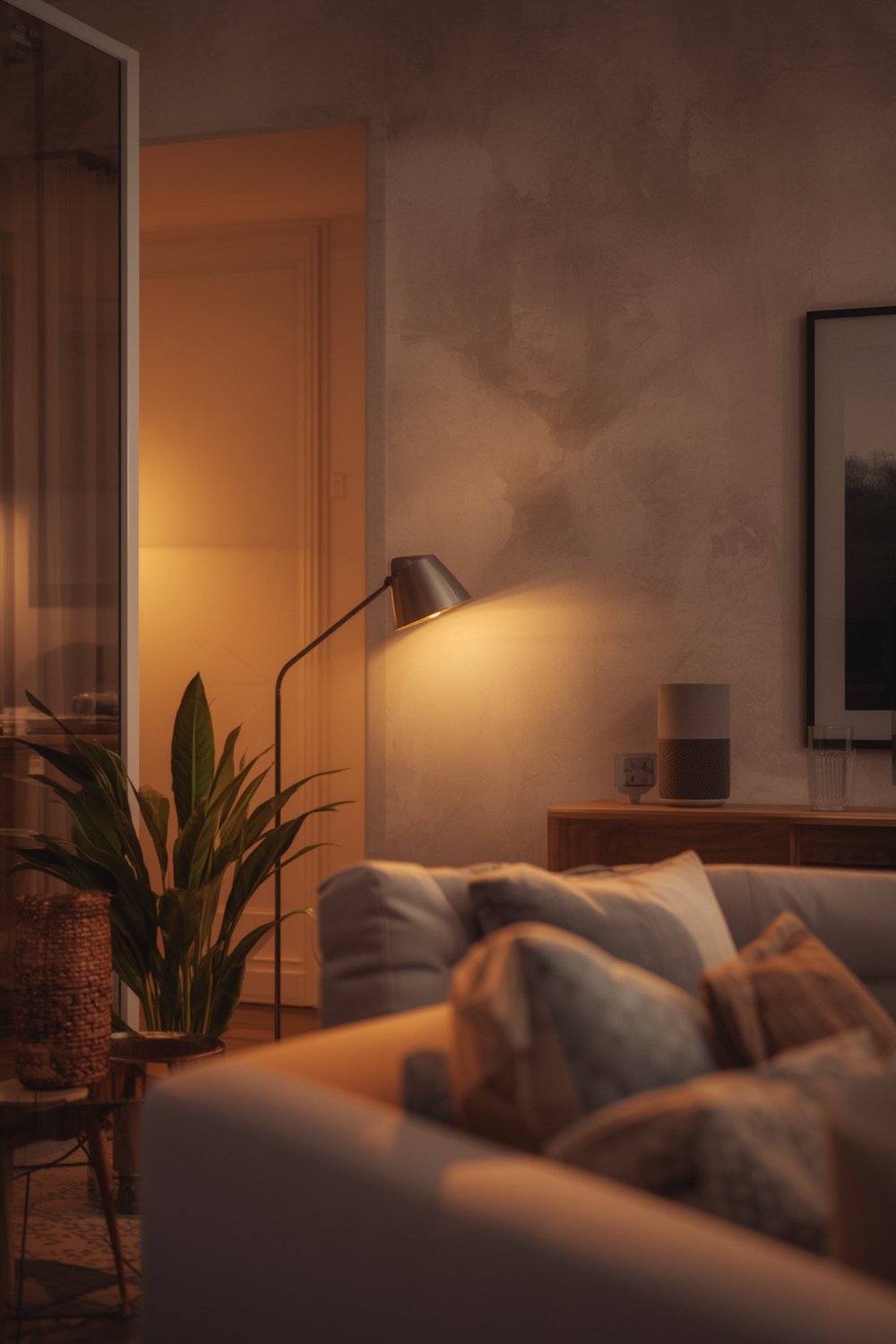
In 2026, about 45% of U.S. households have at least one smart-home device, but only around one-third of rental units are equipped with any connected tech (Statista). That gap is shrinking as removable and low-cost devices come to market.
If you want to improve security, buzz in deliveries from your phone, save on utilities, or automate lights, you don’t need to wait until you own property. Done right, smart upgrades are fully portable, easy to uninstall, and require zero drilling. The biggest risk is buying the wrong tech or running afoul of your lease.
In practice, smart home adoption by renters tends to follow these motivators:
- Security (door control, package theft prevention)
- Convenience (hands-free entry, lighting scenes)
- Moving portability—no resale hassle
Homeowners may get more long-term value, but renters can absolutely enjoy 90% of the benefits if they pick upgrade paths designed for apartments. This renter smart home guide prioritizes lease-safe workflows and products.
Main barriers renters face (and how this guide solves them)
Renters considering smart upgrades run into three common obstacles: cost, installation complexity, and getting their landlord’s approval (makerstations.io).
- Cost: High-end setups can get pricey, but most renters get 80% of the benefit from budget and mid-range plug-and-play devices.
- Installation: Hardwiring and drilling are almost always forbidden. This guide exclusively recommends removable smart home devices that can be set up with adhesives or tool-free brackets.
- Landlord approval: This is the top-cited friction point. Templates and negotiation tips are below.
Recent data says price, installation complexity, and landlord approval are the top barriers for renters adopting smart devices (RubyHome). The rest of this guide breaks each barrier down into simple, actionable steps.
Decision framework — How to choose renter-safe smart upgrades
Before buying anything, scan your lease for “no modification” or “no drilling” clauses. Focus first on high-impact, removable devices. Progress from must-haves (smart lock, security camera) to nice-to-haves (smart plugs, bulbs).
- Prioritize: Security often comes first, followed by lighting and convenience upgrades.
- Battery vs. Wired: Always choose battery-powered or plug-in devices over wired for apartments—no electrician or drilling needed.
- Wi-Fi Reliability: Does your apartment’s Wi-Fi reach all corners? Mesh systems or plug-in range extenders often make more sense than investing in a hub-heavy ecosystem.
- Portability: Will the product uninstall cleanly with no trace?
Most renters who adopt smart products do so with low-cost, plug-and-play solutions—especially for a smart home apartment in 2026 (Gearbrain).
| Upgrade Area | Lease Risk | Best Device Type | Portability | 2026 Price Range |
|---|---|---|---|---|
| Entry Security | Low (removable locks) | Smart Lock (retrofit, no-drill) | High | $99–$249 |
| Lighting | None | Smart Plugs, Bulbs | High | $12–$60 per room |
| Surveillance | Low/Medium (must not point at shared spaces without approval) | Battery-Powered Camera | High | $35–$199 |
| Sensors | None | Battery Contact/Motion Sensor | High | $18–$40 |
If in doubt, choose the simplest, cleanest removable install. Some features (like wired thermostats) usually aren’t worth the effort unless your landlord explicitly approves.
Smart locks for renters — the single best upgrade
For most renters, a smart lock is the only major upgrade you should pay for out of pocket. Here’s what works (and what to avoid) in lease-restricted apartments:
- Bolt-on, retrofit designs: Don’t require you to remove or alter the exterior deadbolt. All tightening is done with a screwdriver on the inside.
- Replace interior only: Models like the August Wi-Fi and Level Lock+ are invisible from the exterior and leave the landlord’s original key intact.
- Preserve hardware: Always keep the original thumb turn and screws for move-out. Take photos of the original setup.
Budget Wi-Fi/Bluetooth smart locks (like Wyze Lock Bolt) cost $99–$149 and simply bolt to your existing deadbolt. Expect core app features and simple install. Mid-range $199–$249 gets you remote access, Matter compatibility, and auto-lock. Premium options above $250 add grade-1 security and platform-specific upgrades. (Wirecutter)
If you want zero evidence of a smart upgrade (especially for strict landlords), Level Lock+ is fully invisible from the outside (SmartLockMFG). However, it is pricier, so weigh your risk.
Avoid any lock requiring drilling or wire runs. If your landlord shares a building smart lock or has access to a master key system, double check policies before replacing anything.
Other no-drill, removable devices that move with you
After a smart lock, prioritize removable devices you can take if you move:
- Smart plugs: Instantly turns any lamp or appliance into a smart device. Perfect for renters, nothing to install but the plug.
- Smart bulbs: Replace standard bulbs with app-controlled LED options (dim, color, scheduled on/off). Fastest win for ambiance and energy savings.
- Wireless security cameras: Stick-on or magnet-mount models (battery powered) are lease-safe if they face only your own entryway.
- Contact and motion sensors: Peel-and-stick models use reversible adhesives. Great for monitoring windows or doors (but not for direct outdoor use in most cases).
Most renter complaints are about devices looking “tacked on” or not matching landlord smart-home systems. Favor compact, neutral designs, and check that the app supports full device removal at move-out.
Renters typically choose plug-and-play products; visible exterior devices and compatibility with landlord systems are the top pain points. (Market.us)
If your complex has shared Wi-Fi or a central smart system, stick with local-only, non-cloud devices wherever possible. Alternatively, ask your landlord before connecting anything to the building’s network.
Installation strategies when drilling is forbidden
- Use adhesive-backed plates: For mounting sensors, cameras, or mini hubs, 3M Command strips rarely damage paint or walls if removed properly.
- Tool-free brackets: Look for manufacturers offering snap-on window/door sensor holders or interior deadbolt adapters.
- Repurpose interior-only replacements: Replace only the inside part of locks or thermostats so nothing is visible (and keep landlord originals bagged).
- Bolt-on adapters: Some door locks attach just like IKEA furniture—screws only, no drilling required.
- Confirm with landlord if unsure: For anything unclear in the lease, always ask before installing—even adhesives—on exterior doors or shared areas.
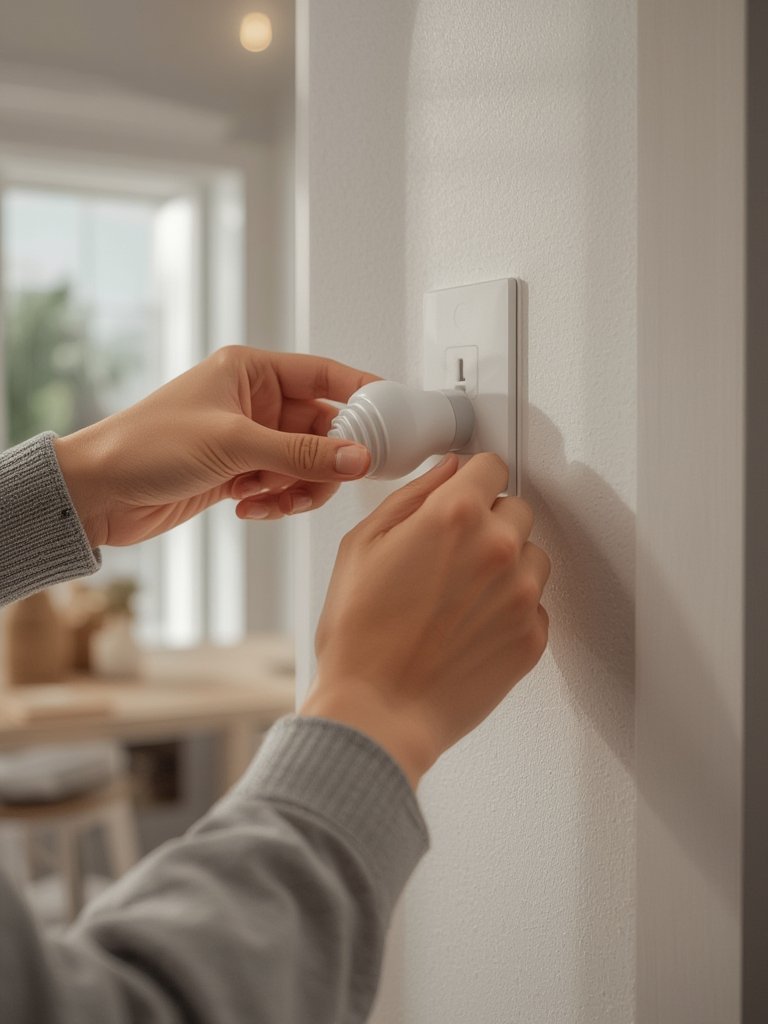
Tool-free installation kits, adhesive mounting plates, and removable brackets are now standard for most 2026 smart home products. This responds directly to renter needs and the no-drill market gap.
Budget guide — what to expect to spend (2026 price tiers)
For a standard 1-bed apartment, here’s how 2026 price tiers break down:
- Budget: $99–$149 gets you a plug-and-play Wi-Fi or Bluetooth smart lock, plus a starter smart plug/bulb pack. Example: Wyze Lock Bolt, TP-Link Kasa plug, Philips Wiz bulbs.
- Mid-range: $199–$249 for feature-rich locks (August Wi-Fi, Level Lock+), multi-room smart bulbs, battery-powered sensors, and remote access hubs. Expect basic Matter compatibility.
- Premium: $250 and up for high-security (ANSI/BHMA grade 1 lock), advanced ecosystem support, multiple cameras, or a wireless multi-room sensor pack.
Tip: Budget about $40–$70 per additional room you want to outfit after entry (e.g., for smart bulbs, plugs, or sensors). If your building has spotty Wi-Fi, allocate another $40–$80 for a compact mesh Wi-Fi node (see our guide on local AI smart home hubs).
Low-cost locks $99–$149. Mid-range $199–$249 with remote/Matter. Premium above $250 with higher security ratings (Gearbrain).
Don’t forget to set aside $10–$20/year for battery replacements.
Security, privacy, and landlord data concerns
Smart homes add convenience but also new risks. Renters are especially privacy-conscious—often for good reason.
- Limit cloud exposure: Favor local-only or app-controlled devices, not third-party platforms tied to landlord accounts.
- Use strong, unique passwords: Change all default passwords and enable two-factor authentication when available.
- Disable cloud sharing unless needed: Never share device access with neighbors or property managers unless required.
- Revoke credentials at move out: The best 2026 devices let you instantly remove users and delete access via app. Always reset devices.
Common renter issues include being forced onto building/landlord Wi-Fi and having no control over shared ecosystem settings (Fortune Business Insights). If possible, run devices on your personal Wi-Fi or a mobile data hotspot for maximum control.
In practice: If your landlord wants access to entry locks or cameras, only use models that support multi-user logs and leave a clear paper trail.
Battery life, connectivity, and reliable performance (common technical pain points)
Most removable smart devices run on AA/AAA cells or small lithium batteries. Realistically, expect 6–12 months between changes—but heavy use (like buzzing in food delivery every day) will shorten that.
Spotty Wi-Fi is a huge pain point in older buildings. Mesh Wi-Fi or a local hub (Matter hub recommendations) can help.
Create a recurring calendar reminder every 3–4 months to check battery levels and device status. Moving? Factory reset and test removal one week before your move-out deadline.
Monitor manufacturer support for both firmware updates and in-app device deletion features. A dead app or locked device can be a nightmare at move-out.
How to talk to your landlord — template + negotiation tips
Landlord approval is a top barrier, but most property managers say yes if you promise no permanent modifications. Emphasize that all devices are removable and you’ll restore the original hardware.
Subject: Request for Removable Smart Lock Installation
Hi [Landlord Name],
I’m interested in installing a removable, no-drill smart lock (such as the August Wi-Fi or Level Lock+), which attaches only to the interior side of my apartment door and does not permanently alter the door or hardware. The original lock exterior remains unchanged, and I will restore everything to its original state at move-out. I am happy to send photos or documentation.
Please let me know if you have any questions or concerns.
Thank you,
[Your Name]
Negotiation tips:
- Offer before/after installation photos.
- Highlight improved security as a benefit to them.
- Offer to show receipts and demonstrate device removal at move-out.
Research shows that removing permanent alteration concerns reduces landlord friction (makerstations.io).
If denied, stick to plug-in or bulb-only upgrades, and document everything for your own protection.
Move‑out checklist — return your apartment the way you found it
- Factory reset all devices via the manufacturer app.
- Remove adhesives and brackets carefully (heat helps loosen if needed).
- Reinstall all original hardware: door locks, thermostats, switchplates.
- Document each step with timestamped photos.
- Revoke all app and cloud credentials.
- Delete device connections and user accounts as needed.
- Check for missed sensors, plugs, or bulbs in every room.
- Double check battery compartments (remove any batteries).
- Send your landlord proof if required or requested.
Manufacturers now provide apps that allow credential revocation and device deletion at lease end.
Quick product recommendations (one-liners by use case + price tier)
- Best budget (under $150): Wyze Lock Bolt (easy removal, no drilling), TP-Link Kasa plugs, or Philips Wiz bulbs for renters.
- Best invisible upgrade: Level Lock+ (totally concealed, landlord-safe, premium price).
- Best easy install: August Wi-Fi (smartphone control, simple swap, supports Matter).
- Best for multi-tenant buildings: Wyze battery cams or SwitchBot sensors, which use Wi-Fi and adhesives—zero alteration risk.
For a full breakdown of 2026 devices, see our Matter 2.0 device guide and Gemini smart home compatibility overview.
Pricing: Budget locks are about $99–$149. Mid-range $199–$249. Premium models can exceed $250.
Troubleshooting & maintenance cheat sheet
- Swap batteries every 6–12 months or when prompted by the app. Keep a pack of AA/AAA on hand.
- If Wi-Fi fails, reset the device and router, or use a mobile data hotspot for temporary access.
- Relink devices if you change your phone or account login (most brands support in-app re-pairing).
- Remove all device links before you move out, including shared user accounts on lock apps or household hubs.
- Contact support only after checking batteries, Wi-Fi, and factory reset procedures.
Stable Wi-Fi is the most frequent problem for renters. Mesh boosters are a worthwhile upgrade in older buildings. Device batteries usually last 6–12 months.
If you’re using smart appliances, check out our guide to compact espresso machines and top portable air fryers for small spaces.
FAQ — lease concerns, cameras in shared spaces, insurance, and data ownership
Can I install a smart lock without my landlord’s permission?
Usually, you need landlord permission to install any smart lock, even if it’s removable. Some strict leases prohibit any hardware change. Always request approval and offer to restore original hardware at move-out.
What happens if my smart device damages the wall or door?
If you use proper adhesive solutions (like Command strips) and follow removal instructions, there is rarely any lasting damage. Still, photograph all areas before and after installation for your records.
Is it legal to put cameras in my rented apartment?
Yes, as long as cameras are aimed only at private areas you rent (never at shared halls, neighbor’s apartments, or public spaces), and you follow local privacy laws. Shared camera use may need explicit landlord approval.
Who owns data from my smart devices—me or my landlord?
You own the data if you set up devices using your own account on your personal Wi-Fi. If you use a landlord’s managed ecosystem, review their privacy and data policies. Always wipe and delete data when you move out.
What insurance or liability issues should I consider?
Most renters’ insurance excludes losses from device failure or hacking. Check your policy. Some insurers may offer discounts for security upgrades like smart locks—ask your agent for details.
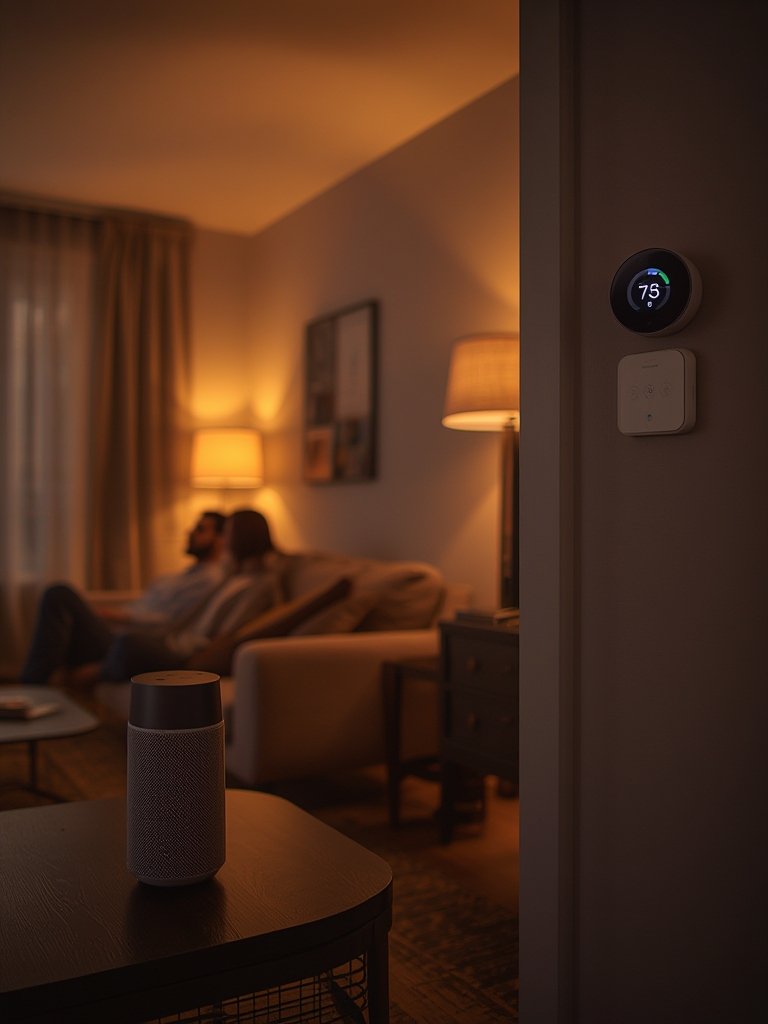
Final checklist — 10 actions to deploy a lease-safe smart apartment this weekend
- Scan your lease for modification clauses.
- Choose 1–2 plug-and-play devices (smart lock, plug, or bulb) to start.
- Test Wi-Fi range in every room, and boost if needed.
- Take “before” photos of entry doors and walls.
- Email your landlord a request (template above).
- Install devices using adhesives or brackets only.
- Register devices in your own app accounts, never the landlord’s.
- Schedule a calendar reminder for quarterly battery checks.
- Photograph everything after install.
- Document and save all hardware so you can restore everything at move-out.
Most renters succeed by using plug-and-play, removable devices (locks, plugs, bulbs) and focusing on lease-safe workflows. If in doubt, start small, ask first, and favor products you can take with you—and that don’t require any drilling.
Smart home for renters is easier than you think if you follow a few key steps, pick the right gear, and document your upgrades. For more review content, see our guides to AI smart thermostats and plug-and-play solar kits for renters.