

Gemini smart home isn’t just another software update—it’s a wholesale redesign of how smart home voice control, automation, and security work for 2026. If you’re weighing an upgrade or facing client questions, it’s crucial to know how Google’s new AI layer actually changes cost, setup, and capability this year.
Hundreds of millions of Android users now have access by default, and every recent Nest device runs on Google Home Gemini. That means both new buyers and seasoned Nest veterans must understand subscription tradeoffs, device compatibility, and what Gemini can—and cannot—replace from their old routines.
Below, you’ll find real-world guidance for setup, automation, troubleshooting, and when Gemini’s approach may not be your best fit. Whether you’re upgrading a single home or integrating multiple small business locations, here’s what you need to know now to make the right call.
Key Takeaways
- Google Home Gemini is the new AI backbone on all 2026 Nest speakers, displays, and Android Auto setups, affecting how all home devices interact and automate.
- Subscription matters: Standard ($10/month) gives you Gemini Live for basic routines and voice, while Advanced ($20/month) unlocks AI event descriptions, extended video, and 24/7 security.
- Most complaints in 2026 involve Wi-Fi/internet requirements, subscription confusion, and feature rollouts that don’t reach every home or installer at once.
- Why Gemini smart home matters in 2026 (the unique insight)
- Step-by-step Google Home Gemini setup (what to expect)
- Common user complaints & troubleshooting (setup and daily use)
- Google Home Premium 2026 — plans, pricing and what each tier unlocks
- What Gemini for Home voice assistant can do (features & everyday benefits)
- Compatible devices, opt-in and rollout timeline
- Real automation examples & prompts to use today
- Google Home vs Amazon Echo in 2026 — buyer considerations
- Which devices and plan should you pick? (concise buying guide)
- Opportunities for integrators and developers
- Conclusion — quick one-paragraph decision checklist
- FAQ
Why Gemini smart home matters in 2026 (the unique insight)
Gemini smart home is Google’s default AI platform across Nest speakers, Nest displays, and Android Auto for 2026, transforming how voice, automation, and security video operate for all users. Instead of an app feature, it’s a foundational change that directly impacts device behavior, subscription costs, and future upgrade paths.
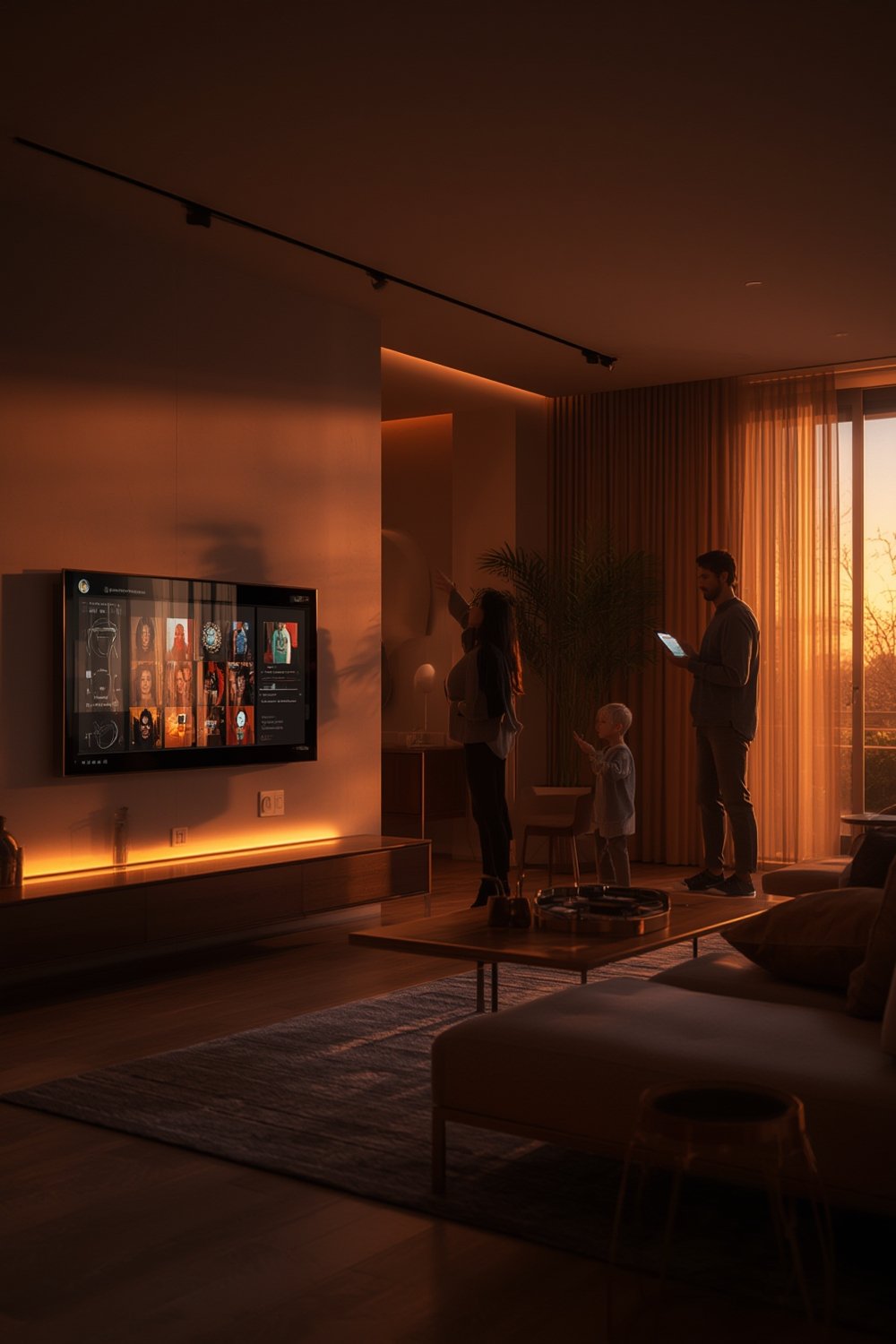
Snippet-Bait Definition: Gemini smart home refers to Google’s AI suite that, by 2026, fully replaces Google Assistant on all new Nest devices and Android Auto. It controls your voice commands, routines, video summaries, and cross-device automations, but requires a subscription for premium features and creates deeper Google ecosystem lock-in.
According to BotBunch’s 2026 report, Gemini has reached hundreds of millions of Android users and about 70% of Google Cloud businesses. That scale matters—Gemini is now hardwired into new smart home setups, affecting not just homeowners but also how integrators design, price, and support automations. If you’re buying new Google/Nest hardware, you’ll be working with Gemini by default.
For users already deep in the Nest or Android camp, this AI update brings more advanced routines and context-aware responses than Google Assistant ever offered. But many key features are tied to a monthly subscription (Google Home Premium), and switching ecosystems now comes with real tradeoffs—both in device compatibility and recurring cost. For some buyers, these added layers are worth it, but casual users or privacy-centric households may want to consider alternatives or start on the Standard plan.
For expert breakdowns on compatible devices, controls, and how Gemini automation stacks up to rival ecosystems (including the new Matter 2.0 standard), see our Matter 2.0 guide and offline smart hub explainer.
Step-by-step Google Home Gemini setup (what to expect)
- Download the latest Google Home app (2026 version) and sign in with the account linked to your Nest or Android devices.
- Check all eligible devices (2026 Nest speakers, displays, cameras, and Android Auto modules) for system updates—Gemini requires the newest firmware to activate all features.
- Set up family profiles as needed in the Home app, assigning device access, notifications, and routines to each household member.
- Connect all smart devices (cams, locks, lights) to the same Wi-Fi network with stable internet. Gemini’s best features require seamless connectivity.
- Subscribe to Google Home Premium (Standard or Advanced) via the Home app if you want features like AI event summaries, 24/7 video recording, or daily Home Briefs. Some features cannot be tested without this tier.
- Opt in to Gemini for Home under Home app settings—this applies Gemini to all supported devices and enables routine/voice improvements home-wide.
- Create your first routine using either voice (“Help me create”) or by typing in the Home app. Test with a simple action like “Lights off at 10 pm.”
- Test the Ask Home natural-language voice feature by asking, for example, “Did anyone unlock the door last night?” or “What’s the temperature in the living room?”
- Verify event video history if using cameras or doorbells to ensure video previews and AI event labeling are working.
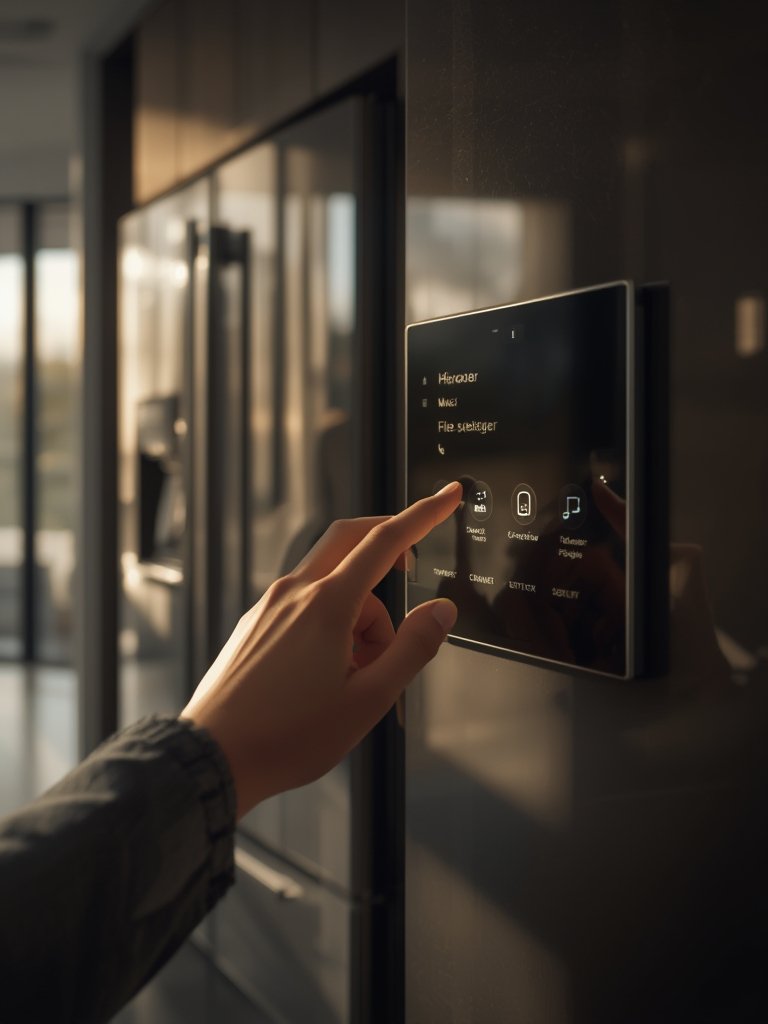
Some features—like AI-powered event history and daily “Home Briefs”—won’t activate without an active Home Premium subscription. According to Google’s FAQ, these services also require an always-on Wi-Fi and internet connection. For a detailed guide on specialty setup, see our AI thermostat installation walkthrough.
Common user complaints & troubleshooting (setup and daily use)
Wi-Fi and Internet Dependency
Nearly all Gemini features stop working if you lose Wi-Fi or have network instability. Quick fix: Restart router and devices, switch to high-bandwidth mesh Wi-Fi if problems repeat.
Subscription Confusion
Gemini features can be gated behind different plans: Google Home Premium, Google AI Ultra/Pro, and Google One plans are easy to mix up. Fix: Confirm which subscription is active in your Google Home app before contacting support.
Latency or Misrecognition With Gemini Live
Some commands may lag or misinterpret requests, especially during peak rollout periods and with older access points. Quick fix: Reboot affected hardware, confirm firmware is 2026 or newer, and try again. For privacy, disable voice logging in settings if that’s a concern.
Partial Feature Rollout
Not all markets or devices receive new features at once—early access can mean missing automation or camera functions for weeks. Fix: Monitor Google’s update notices or ask support for manual firmware push.
- Pro tip for pros: Complex automation failures often trace to mixed-ecosystem devices (Echo, Zigbee hubs, or legacy Nest). Wherever possible, keep main automation chains within the Google/Nest/Gemini family or upgrade all at once.
- If maximizing reliability is non-negotiable (for example, business security), consider evaluating local AI smart home hubs that run core routines without an internet connection.
| Issue | Google Home Gemini | Amazon Echo | Matter 2.0 Hub |
|---|---|---|---|
| Wi-Fi Outage Tolerance | Wi-Fi Outage Tolerance | Core routines local, some Alexa skills fail | Most automations (local) keep running |
| Subscription Lock-In | Required for key voice/video | Only for premium video, most Alexa free | Generally no subscription required |
| Voice Latency (2026 average) | 0.7–1.5s | 0.5–1.2s | 0.2–0.9s |
| Rollout Gaps | Gradual, tied to device/year/region | Generally immediate w/ update | Device-specific, but mostly universal |
| Feature Depth (automation, summaries) | Strong with subscription | Moderate, less AI summary | Varies (dependent on software/cloud used) |
If you’re hunting for ultra-reliable offline processing, or want to avoid monthly fees, compare with the latest robot vacuum guide or our favorite compact espresso machines for hassle-free setup.

Google Home Premium 2026 — plans, pricing and what each tier unlocks
What do you get at each price point? Standard ($10/month) delivers Gemini Live voice interactions, natural “Ask Home” commands, and up to 30 days of event video history. Advanced ($20/month) adds AI-generated event summaries, 60-day searchable video, 24/7 continuous recording, and daily Home Brief digests for security and automation.
Note: Some users get Google Home Premium as part of a broader Google AI plan bundle, so check for eligibility before subscribing a la carte. As Google Home’s 2026 release notes clarify, you need Wi-Fi, the Home app, and active internet for these features to work. For buyers only needing basic routines, you can stick to Standard or consider alternatives with multi-cookers and other automation devices that don’t require subscriptions.
What Gemini for Home voice assistant can do (features & everyday benefits)
Gemini Live is Google’s most natural-feeling voice experience to date, supporting open-ended “Ask Home” requests about cameras, routines, or status—like “Who was at the door at 3 pm?” or “Lock everything when no one is home.”
The “Help me create” assistant lets you craft routines by describing goals in plain English. For instance, say: “Turn off everything after midnight and arm the cameras,” and it sets up step-by-step actions across devices. AI-powered cameras can label events as packages, pets, or known people, and Advanced users get searchable video with descriptions, not just timestamps.
Previously, most advanced automations needed cumbersome scripting; Gemini translates your instructions in real time and works across all paired devices in your Home ecosystem. However, during heavy usage (mornings, after work hours), voice latency may occur.
Compatible devices, opt-in and rollout timeline
2026 and newer: Nest speakers, Nest Hub displays, new-generation Nest Cam and doorbell cam doorbells, plus Android Auto modules. When you opt in to Gemini, every supported device at that address uses the new AI layer—it’s all-or-nothing per household.
Early access began October 2025 for select US users, with global rollout expected by early 2026. New devices (2026 badge) ship with Gemini pre-activated, but existing models require firmware updates via the Home app. If in doubt, check device eligibility under “Home settings,” or see Google’s official eligibility list.
Note: If you’re mixing-and-matching older devices, some features (like live video labeling) may not appear until all hardware is updated. For business or rental setups, group policy options roll out Q3 2026.
Real automation examples & prompts to use today
- “Help me create a bedtime routine: lock the doors and turn off the lights at midnight.” (Multi-device: Smart locks, lights, security cams)
- “Ask Home: Who delivered a package today?” (AI event summaries, doorbell cam integration)
- “Start Away Mode at 8 am weekdays and send me a Home Brief.” (Scheduling, summary delivery)
- “Check if the back window is still open.” (Sensor status via voice assistant)
- “Show me pet activity for the last hour.” (AI event filtering, camera search)
- “Turn on the morning routine with sunrise: lights up, blinds open, espresso machine on.” (Multiple linked automations, see compact espresso machine integration ideas)
- “Summarize garage camera events since 5 pm.” (AI descriptions for security checks)
- “Let me know if the kids get home before 4 pm.” (Event alerts, facial recognition)
These routines now take seconds instead of deep menu-diving. “Help me create” is context-aware, suggesting triggers and actions based on existing devices. If you want full privacy and local-only processing, though, skip cloud integrations and see our offline hub guide.
Google Home vs Amazon Echo in 2026 — buyer considerations
Gemini’s advantage is its deep Android/Nest/Google integration, plus wide enterprise support—nearly 70% of Google Cloud business users also run Gemini features (source). For homes fully invested in Android, it’s the most seamless daily experience.
The tradeoffs: Amazon Echo’s routines are still free for most actions, work without subscription, and offer more local processing if privacy or uptime is critical. Echo also supports broader device compatibility (including Alexa-compatible sensors and non-Google cameras), which some integrators prefer for legacy installs or mixed-brand properties.
In practice, if you need top-notch video analysis, AI summaries, or Android Auto integration, Gemini is unbeatable—but if you want to avoid subscriptions or value offline fallback, Echo (or Matter 2.0 hubs) may suit your needs better. See our latest robot vacuum roundup for more on mixed-ecosystem tradeoffs.
Which devices and plan should you pick? (concise buying guide)
- Casual users or renters: Standard ($10/month) is likely enough—Gemini Live routines, most voice features, and 30 days of video alerts. Pair with the latest Nest Mini or Nest Hub display for bedrooms and small rooms.
- Family/home security setups: Advanced ($20/month) pays off—searchable video, daily Home Briefs, and 24/7 camera. Use with Nest Cam (2026), new Nest Doorbell, and at least one Hub display in shared spaces.
- Pro integrators or multi-site: Bundle Google Home Premium with services or as part of a Google AI enterprise suite when managing several properties or businesses.
- Best for: Dedicated Nest households, Android-first users, or anyone who relies on voice automation daily. For more versatility (especially with Matter devices), see our Matter 2.0 compatibility guide.
Standard covers most day-to-day uses. Upgrade to Advanced for searchable video, event summaries (not just raw footage), and if you manage more than 3 cameras per location. If you rarely use voice or routines, waiting may make sense—Gemini features are only worth the cost if actively used and maintained.
Opportunities for integrators and developers
Service providers and integrators can now use Home APIs to bundle Google Home Premium with their packages. This lets them deliver “managed” automation, custom AI routines, and remote setup for small businesses or high-end homes. Enterprise adoption is already strong, with about 70% of Google Cloud customers using Gemini by mid-2026 (source).
Google’s 2026 hardware partner program now supports building devices with Gemini pre-installed—opening doors for custom displays, cameras, and embedded controls. Developers should use these APIs for value-add features (such as custom Home Brief digests) rather than trying to compete on basic automation alone. For more on creating a compelling smart home stack, read our guide to AI-powered home sensors and contextual camera systems.
Conclusion — quick one-paragraph decision checklist
Gemini smart home is now the fabric underlying new Google/Nest automation, voice controls, and security—impacting anyone using these devices in 2026. If you value real-time AI summaries and deep Android/Nest integration, a subscription makes sense. If you’re a light user, want free routines, or need offline reliability, consider alternatives or start on the Standard tier.
In practice, I’d recommend Google Home Gemini to routine-heavy homes already committed to Google/Nest or Android, and to integrators managing fleets of similar devices. Carefully compare subscription tiers and rollout schedules—early adopters may hit more bugs, but the long-term benefits are clear for supported devices.
The single most important question: Do you want AI-driven automation and searchable event history enough to pay a monthly fee? With Gemini now embedded across Nest and Android for hundreds of millions, the answer will determine if Google remains your smart home backbone in 2026.
For next steps, check device compatibility and subscription options in the Home app now, or review our Matter 2.0 smart home compatibility guide if you need broader device support.
FAQ
What is Gemini smart home and how is it different from Google Assistant?
Gemini smart home is Google’s new AI platform replacing Google Assistant on 2026 Nest speakers, displays, and Android Auto. It brings more advanced routines, AI-powered event summaries, and natural-language “Ask Home” commands. Many features are paid, and Gemini is now the default on new Google smart home devices.
Do I need a subscription for basic voice and automation features?
You can use some routines and voice controls without a subscription, but the best Gemini features (AI event descriptions, extended video history, daily Home Brief) require Google Home Premium, starting at $10 per month. The Advanced tier is $20 per month and adds additional security capabilities.
Will my old Nest devices work with Gemini smart home?
Only 2026 (and some late 2025) Nest speakers, displays, cameras, and supported Android Auto modules are guaranteed to run Gemini features. Older models may get limited access after a firmware update, but not all features will be available on first-generation hardware.
How do I fix Gemini voice latency or setup hiccups?
Voice delays or setup failures usually point to a Wi-Fi or device update issue. Make sure all devices have the latest firmware and are on a robust network. If you experience persistent problems, reboot both hardware and router, and use mesh Wi-Fi for best results. Support can manually push updates if needed.
Are there good Gemini smart home alternatives for privacy or local-only use?
If you want to avoid cloud reliance or subscriptions, look at local AI smart home hubs or Matter 2.0-compatible devices, which often run routines without an internet connection. However, you may lose advanced voice and video features unique to Gemini and Google’s ecosystem.
—