

Matter smart home compatibility is supposed to make future-proofing easier, but figuring out what works, what to buy next, and what might break can still be stressful. Standards promise seamless upgrades—yet real-world buyers still face device mismatches, pairing frustration, and battery surprises.
If you’re planning a 2026-ready smart home that won’t trap you in one ecosystem or kill your sensors’ battery early, read this before buying anything. This guide outlines real adoption numbers, device-level buying tips, and common setbacks you’ll encounter with Matter protocol devices.
Skip the marketing fluff. Here’s what actually matters when making your smart home smarter—and which pitfalls will waste your time (and money) if you don’t plan ahead.
Key Takeaways
- Matter-certified devices saw a 23% higher retail conversion rate and onboarding in under 90 seconds after Matter 1.3’s release in 2024 (source).
- Matter’s ecosystem is rapidly expanding—top devices for 2026 include Samsung SmartThings Station, Meross smart plugs, Philips Hue bulbs, and Yale smart locks.
- Battery life for Thread (Matter) devices often lags behind Zigbee but is closing the gap as new chips launch. For security sensors and locks, weigh this carefully before upgrading.
- What is Matter and why it matters for your smart home
- Quick guide: How to get started with Matter protocol devices
- Advanced analysis & common pitfalls with Matter smart home upgrades
- Matter smart home: Conclusion & next steps
- Matter smart home: FAQ (2026 Buyers)
What is Matter and why it matters for your smart home?
Matter is a universal smart home standard built on IP (Wi-Fi, Thread, Ethernet) and Bluetooth LE for setup, designed to connect devices from competing brands so they work together without a proprietary hub. This reduces platform lock-in, enabling cross-ecosystem control and easier product upgrades.
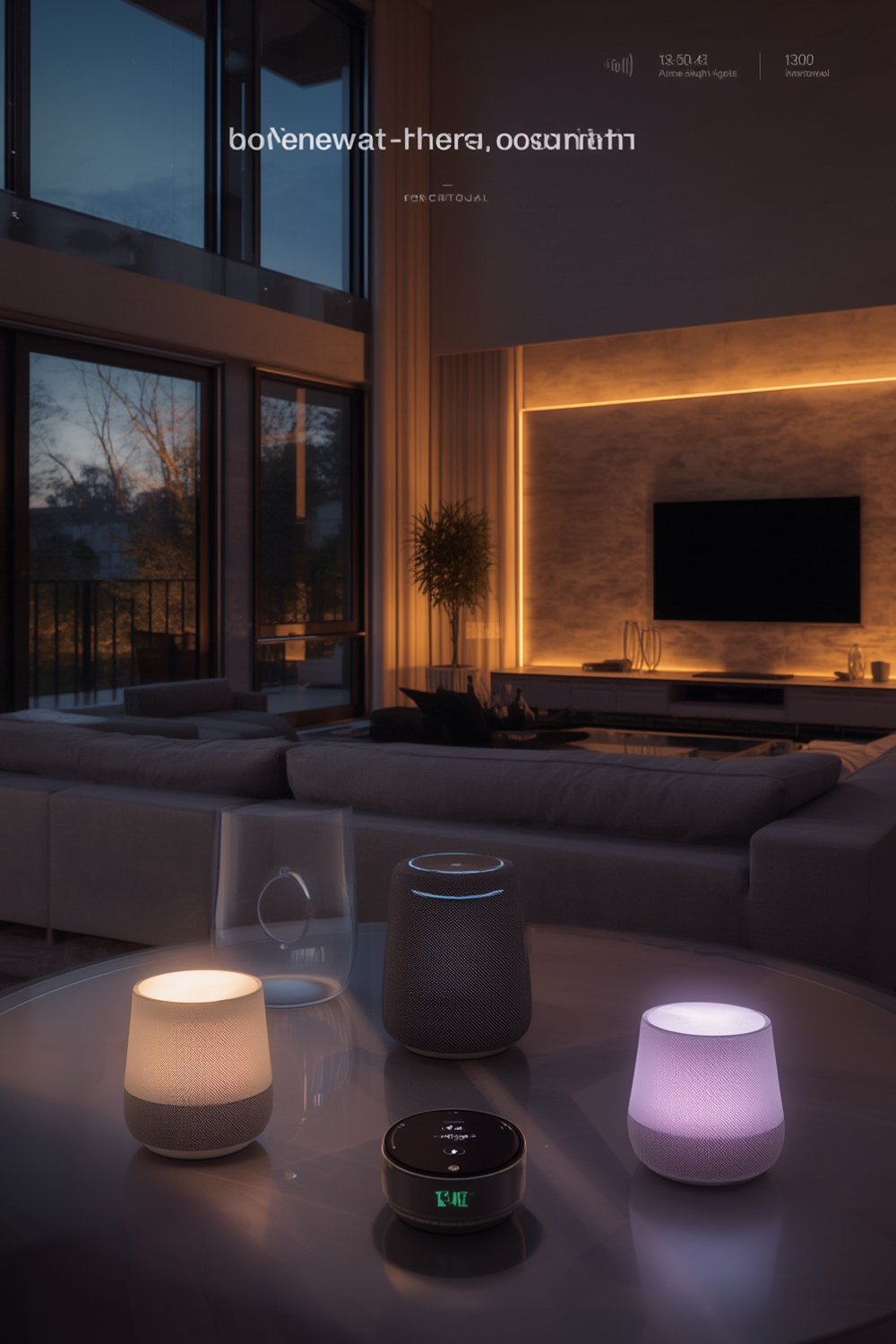
Unlike earlier wireless standards, the Matter smart home protocol runs over familiar IP networks like Wi-Fi or Thread with IPv6 support, and uses BLE for initial device discovery (commissioning). The goal: let you control lights, plugs, locks, and sensors—no matter who made them—using your preferred platform, be it Google, Apple, or Samsung.
As a result, Matter eliminates the proprietary wall garden issue that has hobbled smart home adoption for over a decade. You no longer need to pick sides, worry about forced upgrades from a single brand, or replace working Zigbee/Z-Wave products unless you want to (CSA Matter overview).
In practice: If you’re eyeing future upgrades, Matter protocol devices allow more mixing, matching, and freedom in your home setup. Setup should feel as simple as scanning a QR code, picking your app (Apple, Google, Alexa, Samsung SmartThings), and connecting… as long as your router and platforms are updated.
Quick guide: How to get started with Matter protocol devices (2026)
- Check your home network and main controller for Matter compatibility (update your app and firmware first).
- Identify what you want to automate first: lights, plugs, locks, sensors, or thermostats.
- Buy a single, mains-powered Matter device (like a Meross smart plug or SmartThings Station) before you overhaul everything.
- Add this device using Matter’s QR code pairing in your preferred ecosystem’s app. (Don’t skip firmware updates here.)
- Test cross-platform control by linking Apple Home, Google Home, or Samsung SmartThings and confirming device shows up in each.
- Verify automation triggers and local control—unplug your internet to see if it works locally before adding more Matter protocol devices.
- Review battery life specs if choosing Thread-based sensors or locks, and check for any settings that improve sleep modes.
- Plan upgrades: keep working Zigbee/Z-Wave devices for now, or bridge them using Homey/SmartThings until you’re confident in Matter’s reliability.
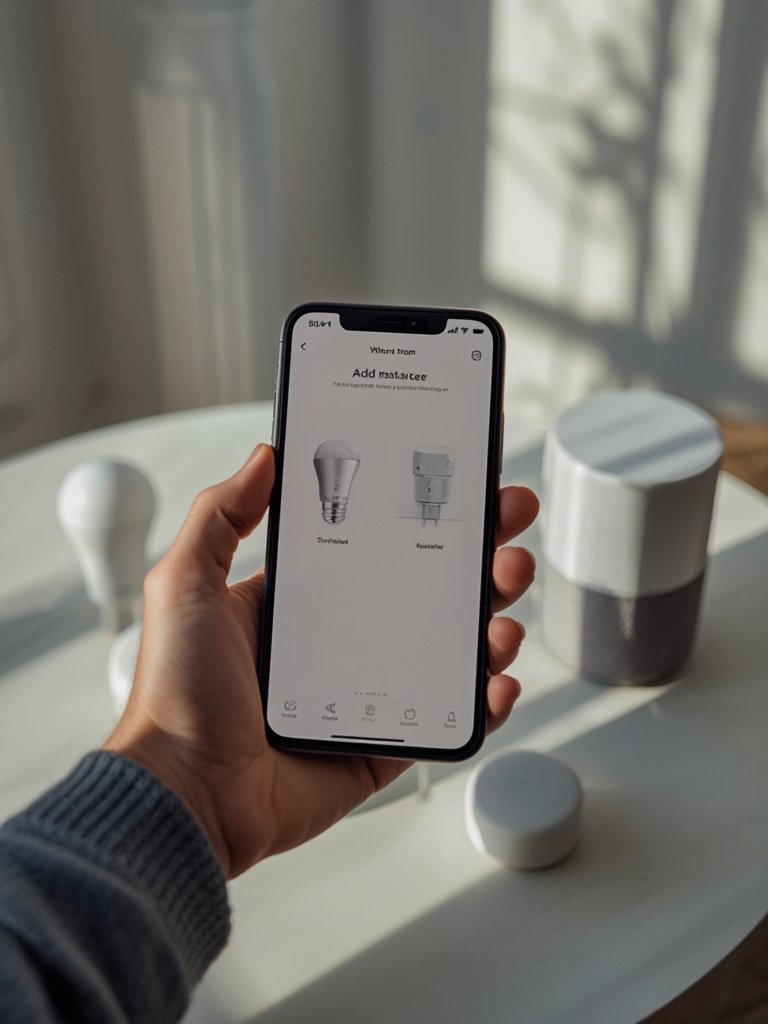
Thread routers (like Philips Hue Bridge or SmartThings Station) improve reliability for low-power devices, but for tiny apartments, a single Matter smart plug might do the trick. See the full Matter device upgrade guide for “should I buy Matter 1.3, 1.4, or wait for 2.0?” breakdowns.
If you want to preserve reliable battery sensor battery life or are running dozens of automations, consider leaving current Zigbee sensors in place and only adding Matter for new controls or spaces. For renters or small-space owners, see our take on plug-in solar kits and small-space appliances that fit a Matter-centric upgrade path.
Advanced analysis & common pitfalls with Matter smart home upgrades
Common pain points with Matter protocol devices (and how to avoid them)
- Pairing Inconsistency: Some devices pair on the first try, others may take dozens. Solution: Always update apps and firmware first, and power-cycle both device and phone between attempts.
- Batteries drain faster for Thread devices: Two-year runtime is common (vs three years for Zigbee). Solution: For battery-powered sensors or locks, either wait for new chips or stick with Zigbee unless you need cross-platform control right now (source).
- Network stability is shaky on large Thread meshes: If you lose power or swap routers, some credentials or automations might break. Solution: Use at least one always-on Thread border router, and back up device QR codes for re-commissioning.
- Fragmented firmware updates: Update processes still differ by brand, so not all devices auto-update. Solution: Keep a checklist and manually check each manufacturer’s firmware list every few months.
- Cloud dependency confusion: Most Matter devices support local control, but some brands default to cloud-first. Solution: Check device specs and app settings for explicit local automation options before buying.
- Hubs are “optional”: While Matter kills proprietary hub requirements, Thread-based battery sensors still work best with a reputable border router nearby (source).
Matter vs Zigbee: Direct protocol comparison (2026)
| Feature | Matter (2026) | Zigbee |
|---|---|---|
| Network Type | IP-based (Wi-Fi, Thread, Ethernet) | IEEE 802.15.4 mesh (proprietary hub) |
| Battery Life (Sensor/Lock) | 2 years (Thread) | 3+ years (typical) |
| Device Onboarding | <90 seconds (Matter 1.3+) | Variable (30s–3min) |
| Multi-Ecosystem Support | Yes (native, Google/Apple/Samsung) | Brand/app dependent |
| Firmware Updates | Brand dependent | Usually push via hub |
| Hubs Required | No (optional, but Thread border router advised) | Yes (mandatory hub/bridge) |
Real-world advice: If battery life matters most (for security sensors in hard-to-reach places), keep Zigbee at the core until Thread/Chip improvements roll out. For plug-and-play, cross-platform coverage (especially for lighting, locks, and smart plugs), Matter is finally maturing to a realistic buy—provided you know what features depend on continuous vendor support.
Looking for a device recommendation? Most shoppers in 2026 start with a Philips Hue or Meross brand Matter smart plug, a Yale or Level lock, or Samsung SmartThings Station as a hub/station. For energy management upgrades that work with Matter, see the AI energy-saving thermostat guide, and for a focus on hub-less and privacy-first setups, the local AI smart home hub comparison has details.
Quick device category scorecard: Best Matter compatible devices (2026)
- Matter hub/station: Samsung SmartThings Station (Thread+Wi-Fi, easy onboarding, regular updates).
- Lighting: Philips Hue (if using their bridge), Ikea Thread bulbs (rapid growth, firmware updates needed sometimes).
- Smart plugs: Meross Matter smart plug (wide compatibility, reliable, less automation lag).
- Locks: Yale and Level (secure, but check battery replacement intervals—Thread version is solid but doesn’t outlast Zigbee yet).
- Sensors: Aqara multi-sensor (good Thread mesh node; battery life still trails older Zigbee sensors).
- Thermostat: Bosch Matter thermostat (fast onboarding, best with always-on Wi-Fi or Ethernet).
For deeper breakdowns or kitchen/utility upgrades, see our guides on appliance swaps or multi-cookers. If managing multiple protocols, Homey Pro remains a top bridge for bringing Zigbee, Z-Wave, and Matter under unified automation.
Matter smart home: Conclusion & next steps
Matter’s arrival means you don’t have to gamble between ecosystems or commit to a single app. In real homes, the best strategy is to buy one well-reviewed mains-powered Matter product (a plug or hub/station), confirm it works on your existing Wi-Fi or Thread mesh, and gradually expand from there.
Keep your Zigbee battery sensors and older smart locks if you trust their battery endurance or reliability—use bridges if you want to integrate, but only replace with Matter when battery performance and firmware update processes catch up in your market. Always check for robust device support and update cadence before you bet your security or comfort on a Matter-only setup.
If you’re feeling stuck choosing the best Matter compatible devices 2026, start small—try a single Matter smart plug or Philips Hue bulb paired with your preferred controller, and judge for yourself if switching is worth the tradeoff for your home. The latest Matter 2.0 buyers’ guide covers upgrade strategies and troubleshooting in full detail.
Matter smart home: FAQ (2026 Buyers)
What is Matter protocol, and do I really need it for my smart home?
Matter is an IP-based interoperability standard for smart home devices, designed to eliminate brand lock-in and work across Google, Apple, and Samsung. If you want the freedom to mix brands or platforms, or a future-proof setup, Matter is the standard to look for when buying new devices.
Are Matter smart locks as secure or reliable as Zigbee models?
Matter smart locks like Yale and Level support modern encrypted communication and easy onboarding, but Thread-based versions often need more frequent battery changes than Zigbee equivalents. If you want fewer battery swaps, Zigbee may still win—otherwise, Matter now offers similar security profiles and multi-platform access.
Do I need a dedicated hub for a Matter smart home?
No proprietary hub is required in most cases, as Matter runs on Wi-Fi, Thread, and Ethernet networks. However, for reliable performance with Thread battery devices, at least one Thread border router such as SmartThings Station or recent Apple TV can improve network stability and speed.
Which Matter smart plug should I buy first in 2026?
Meross Matter smart plug is a top choice for 2026. It’s known for reliable onboarding, fast automation response, and solid app support in major ecosystems. Always verify your existing router and controller app are updated to avoid pairing issues during setup.
Should I upgrade all my sensors and switches to Matter protocol devices at once?
It’s smarter to upgrade gradually. Keep reliable Zigbee or Z-Wave sensors and switches if they’re working well, and add one or two Matter devices to test real-world compatibility and performance. Use bridges to link legacy devices, and only switch fully once you’re convinced by Matter’s reliability and battery life.