

Ring Wired Doorbell Pro vs Video Doorbell 4: If you want a smarter, clearer video doorbell without overspending, the latest debate is whether to pay up for the new 4K Pro model or stick with the popular, budget-friendly Video Doorbell 4.
Both are wired and promise better security, but there’s a hefty price gap. Pro buyers get more resolution and motion accuracy, but does it matter in real life—and is the subscription required for either a dealbreaker?
This guide skips the marketing hype to help you figure out which Ring doorbell is truly best for your home and wallet, with side-by-side numbers, real user complaints, and installation tips for buyers who want a solution, not a project.
Key Takeaways
- The Ring Wired Doorbell Pro offers 4K video, radar-based motion detection, and color night vision, but costs about 2–3 times more than the Video Doorbell 4 ($230–$250 vs $80–$100 as of 2024).
- Most real-world buyers favor the cheaper Video Doorbell 4 for value, yet it lacks advanced motion features and relies on standard infrared night vision. Both require a strong transformer and a paid Ring Protect subscription for video history.
- Upgrade only if you truly need clearer video and smarter motion alerts for detail-oriented security. Otherwise, the Video Doorbell 4 gives solid basics and is enough for most standard entryways or rental setups.
- Quick verdict — Ring Wired Doorbell Pro vs Video Doorbell 4
- Step-by-step Ring Doorbell buyers guide (install & choose)
- Advanced analysis & common pitfalls with Ring smart doorbells
- Conclusion: Which Ring doorbell delivers value?
- FAQ — Ring Wired Doorbell Pro vs Video Doorbell 4
Quick verdict — Ring Wired Doorbell Pro vs Video Doorbell 4
For shoppers deciding between the 4K Ring Wired Doorbell Pro and the 1080p Video Doorbell 4, the key difference is high-end motion accuracy and video detail versus affordability. The Pro is best for those who want maximum security features and clearer footage for identification, but the Video Doorbell 4 fits most budgets and entryways with reliable basics.
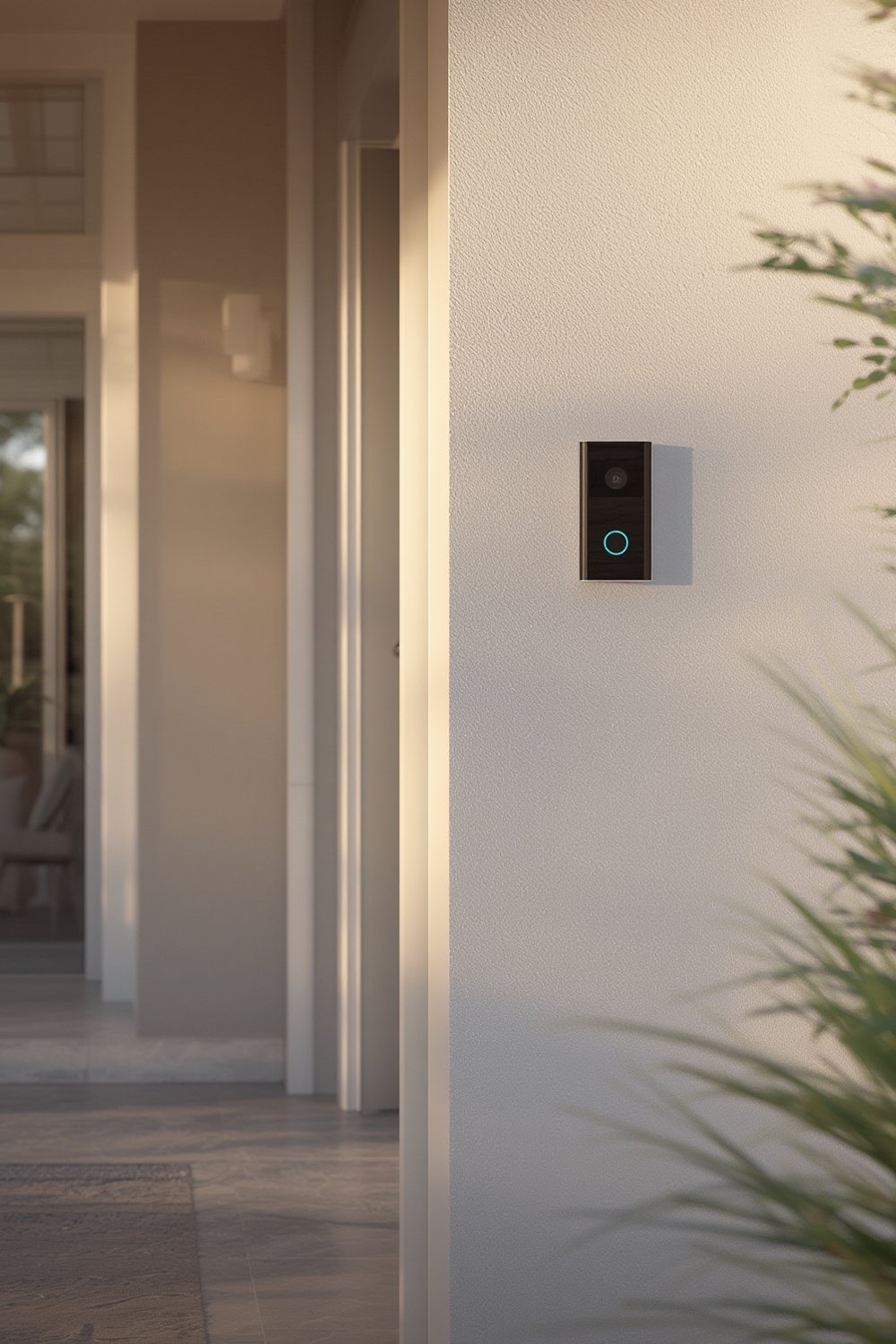
The Ring Wired Doorbell Pro delivers 4K resolution, radar-enabled 3D Motion Detection, 140° x 140° head-to-toe field of view, and a built-in chime. It retails at $230–$250 (2024) and reduces false motion alerts, but requires a robust transformer and still leans heavily on Ring’s paid subscription for advanced features. The Video Doorbell 4, averaging $80–$100, provides solid 1080p HD, a slightly wider but less tall 155° x 90° field, basic motion detection, and infrared night vision, making it accessible but without premium identification detail.
The bottom line: Buy the Pro if you need maximum clarity, AI-powered alerts, and color night vision, especially for wide or busy entryways. Choose the Video Doorbell 4 if you want proven reliability for basic monitoring and don’t need extra details, advanced activity zones, or premium features that only matter for forensic-level security.
Market data shows that most shoppers still pick the Video Doorbell 4 for value, as lower cost drives much higher sales volume, even among users who know about the Pro’s upgrades. However, the Pro’s 4K and radar are unique within the wired Ring lineup and can be a security game-changer on larger properties or where ID detail is critical. See the full Ring Doorbell 4K models comparison at Security.org and CNET’s breakdown for more.
In practice: Unless you plan to review footage for faces, package thieves, or lawsuits, most households will be happy with the Video Doorbell 4. But if you have deliveries, high-traffic entryways, or want peace of mind in all lighting, the Pro’s extra cost is justified.
For even broader context and alternatives, see our video doorbell buyer’s guide for those seeking local storage or subscription-free options.
Step-by-step Ring Doorbell buyers guide (install & choose)
- Decide if you need 4K-level detail for your entryway. Ask: Is your main goal to identify faces or just check for packages and visitors? If the first, Pro is better. If the second, the Video Doorbell 4 suffices.
- Check your transformer’s rating. Both models are wired and need solid transformer output (usually 16-24V, 30VA+ recommended); weak power is a top cause of glitches, video dropouts, or ringing failures.
- Evaluate your Wi-Fi reliability at your door location using your phone. Both models need steady 2.4GHz or dual-band Wi-Fi for live and cloud video; poor signal means delays or blank notifications.
- Budget for a Ring Protect subscription (about $4/month per device, $10/month for unlimited). Without it, live view is possible but you lose video history, most person detection, and advanced alerts.
- Install the device per manufacturer steps, testing power and chime operation (the Pro includes a built-in chime, saving on hardware). Adjust activity zones on the app to minimize nuisance alerts, especially for driveways or busy sidewalks.
- Tune night vision and motion sensitivity for your lighting: enable color night vision (Pro) if you want extra clarity, or stick to default infrared (Video Doorbell 4) for basic illumination.
- Test notifications on your phone and linked devices. Use real traffic—walk past at different times of day—to verify motion zones and promptness of push alerts.
- Set up preferred storage, notification, and privacy settings. You can link Ring to Alexa or other smart home platforms for more flexibility, but all recordings remain cloud-based unless using a third-party workaround.
- Document your installation details and subscription info in a safe spot for future maintenance, warranty claims, or if you change Wi-Fi credentials.
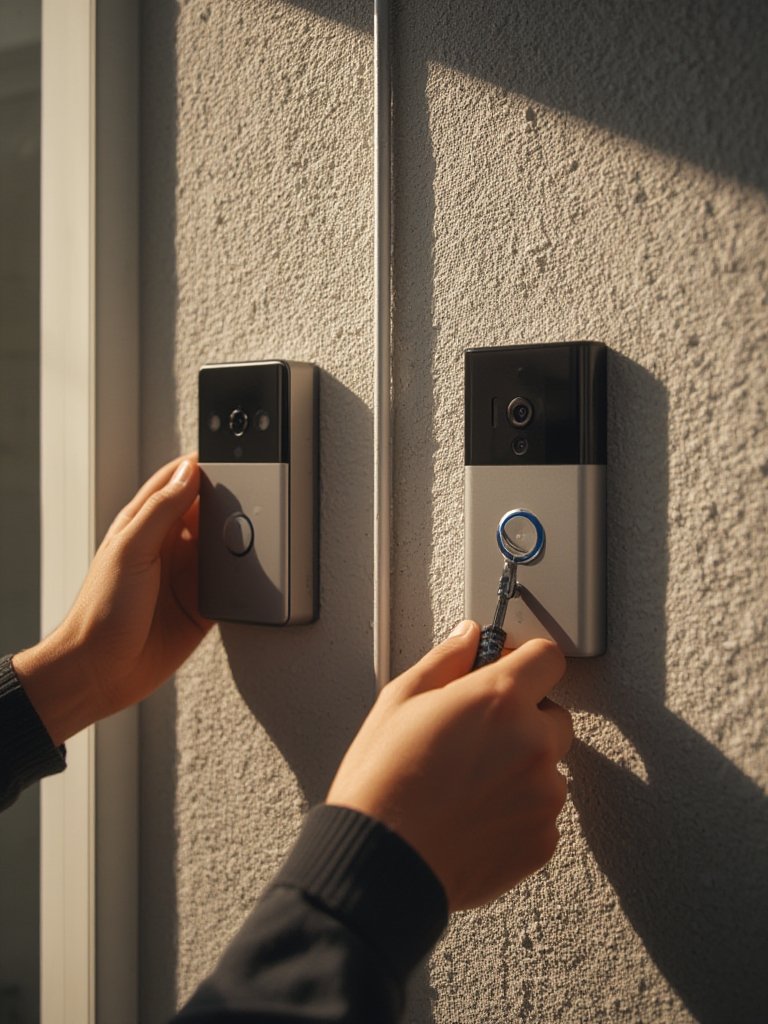
For more on wiring and transformer upgrades, read our smart home for renters guide or the detailed discussions on Reddit.
Advanced analysis & common pitfalls with Ring smart doorbells
Major downsides homeowners report, and what to do about them:
- False Motion Alerts (especially on Video Doorbell 4)
Fix: Tightly configure activity zones. Angle the camera downward to avoid passing cars and use “people only” alerts if your subscription includes it. - Transformer or Power Failures
Fix: Upgrade to a 16-24V/30VA transformer during install. Do not rely on “legacy” doorbell wiring if your house is older. - Wi-Fi Drops or Recording Stalls
Fix: Place a mesh node or signal extender less than 20 feet from your doorbell. Use the Ring app’s health test to check bandwidth. - Subscription Dependency
Fix: Without a Ring Protect plan, you lose video history and advanced motion features. Consider this a mandatory recurring cost. - Poor Night Vision in Low Light
Fix: Add porch lighting or use a compatible smart bulb. The Pro’s color night vision helps but still degrades if total darkness outside. - Not Compatible with Some Chimes
Fix: The Pro has a built-in chime. Otherwise, pair with a Ring Chime unit for audible alerts.
| Feature | Ring Wired Doorbell Pro | Ring Video Doorbell 4 |
|---|---|---|
| List Price (2024) | $230–$250 | $80–$100 |
| Video Resolution | 4K (3840×2160) | 1080p HD |
| Field of View | 140°x140° (head-to-toe) | 155°x90° (wider, less tall) |
| Motion Detection | Radar-enabled 3D, customizable zones | Standard PIR/algorithm, zones |
| Zoom | 6× digital zoom | None notable |
| Night Vision | Color night vision | Standard infrared night vision |
| Chime | Built-in chime | No (external accessory needed) |
| Hardwired or Battery | Wired only | Wired only |
| Subscription Needed for Video History? | Yes (Ring Protect) | Yes (Ring Protect) |
If you want a deeper look at security features, see our local AI smart home hub guide for tips on minimizing cloud reliance, or our AI camera guide for smart detection alternatives.
Conclusion: Which Ring doorbell delivers value?
Most homeowners end up deciding between maximum detail at a higher price or solid basics for much less. The Ring Wired Doorbell Pro outperforms in clarity, motion accuracy, and day/night utility—but at $230–$250, you need to really care about security details to justify it.
For those on a budget or with simpler security needs, the Ring Video Doorbell 4 covers all basic entryway monitoring tasks, plus it’s easier to replace if you ever switch homes or go rental mode. Both require a robust transformer, good Wi-Fi, and a subscription (which adds real ongoing cost).
The Ring Wired Doorbell Pro vs Video Doorbell 4 debate boils down to worth: If you want forensics-level security, invest in the Pro during a sale. If you just want to see who is at the door and get alerts when you care, buy the Video Doorbell 4 and put what you save toward a better transformer or Wi-Fi mesh. For latest deals and model comparisons, visit our always-updated best video doorbell guide.
FAQ — Ring Wired Doorbell Pro vs Video Doorbell 4
Is the 4K resolution of the Ring Wired Doorbell Pro actually worth paying more?
The 4K Pro offers notably sharper detail for faces and license plates, plus better clarity when zooming in on recorded events. However, for typical homeowner needs (package delivery, visitors), 1080p is enough. Only buy the Pro if security identification is a top priority.
Can I use either doorbell without a Ring Protect subscription?
Technically both work without the subscription, but you’ll lose access to video history, cloud recording, and some advanced features like person alerts. Live view and basic notifications still function, but you can’t review past footage.
Do I need to upgrade my transformer to use these Ring doorbells?
Most modern transformers will work, but many older homes have underpowered units. A 16-24V, 30VA transformer is recommended to prevent video dropouts, resets, or missed chimes. Always check the rating before installation.
Are there ways to reduce false motion alerts?
Yes. With the Pro, set up activity zones and people-only motion settings using the app. On the Video Doorbell 4, carefully angle your camera and narrow the motion detection zone. Both benefit from minimizing nearby car or street views in the frame.
Does the Ring Wired Doorbell Pro have better night vision than the Video Doorbell 4?
The Pro uses color night vision, which outperforms standard infrared (used by the Video Doorbell 4) in moderate to good lighting. In deep darkness, both struggle unless you add external lighting. Set expectations accordingly for unlit entryways.
If you’re leaning toward the Ring Battery Doorbell after this comparison, read our in-depth Ring Battery Doorbell Review for a complete hands-on analysis, real-world testing, pros and cons, and buying advice.
Looking for our full hands-on test?
👉 Read our complete Ring Battery Doorbell Review to see real-world performance, battery life, video quality, installation, and whether it’s worth buying in 2026.