


Local AI smart home hub buyers are done with cloud risks, privacy headaches, and automation failures when the internet stutters. If you care more about offline reliability and keeping data in your hands than generic “smart” features, you’re not alone.
Cloud-based assistants still dominate store shelves, but edge AI hubs are rapidly taking over as vendor privacy scandals and server outages pile up. The real game-changer in 2026 isn’t flashy automations. It’s a smart home hub designed for privacy, local control, and seamless operation—no matter what your ISP does.
This guide breaks down what actually matters for tech savvy homeowners choosing a local AI smart home hub, where to spot red flags, and how to land a system that works for the next five years—even when vendor priorities change.
Key Takeaways
- Edge AI smart home hubs like OVAL process all automation and recognition locally, meaning your voice and camera data never leave your home.
- Premium privacy-first hubs in 2026 typically cost $400+, but mid-range models offering solid local processing can be found from $100 to $300.
- About 30% of North American households use a hub—interoperability and support for protocols like Matter and Thread are now table stakes, not optional extras.
- Why privacy‑first local AI hubs are the new differentiator
- Market snapshot — adoption, growth and pricing that matter to buyers
- What “local AI” and “no-cloud” actually mean (technical primer for buyers)
- Key specs to prioritize in a local AI smart home hub (2026 checklist)
- Privacy checklist — red flags and must-have privacy controls
- Comparing the leading 2026 hub approaches — edge vs hybrid vs cloud
- Best use cases for an offline AI home assistant
- Price vs. value — how to evaluate tiers and expected ROI
- Shortlist & test plan — how to pick and trial a local AI smart home hub
- FAQs on local AI smart home hubs, privacy, and offline operation
Why privacy‑first local AI hubs are the new differentiator
A local AI smart home hub is a central controller that runs all automations and artificial intelligence processing directly on the device, keeping your data private and your home functions reliable even if the internet is down. It avoids sending any personal information or recordings to the cloud by default.
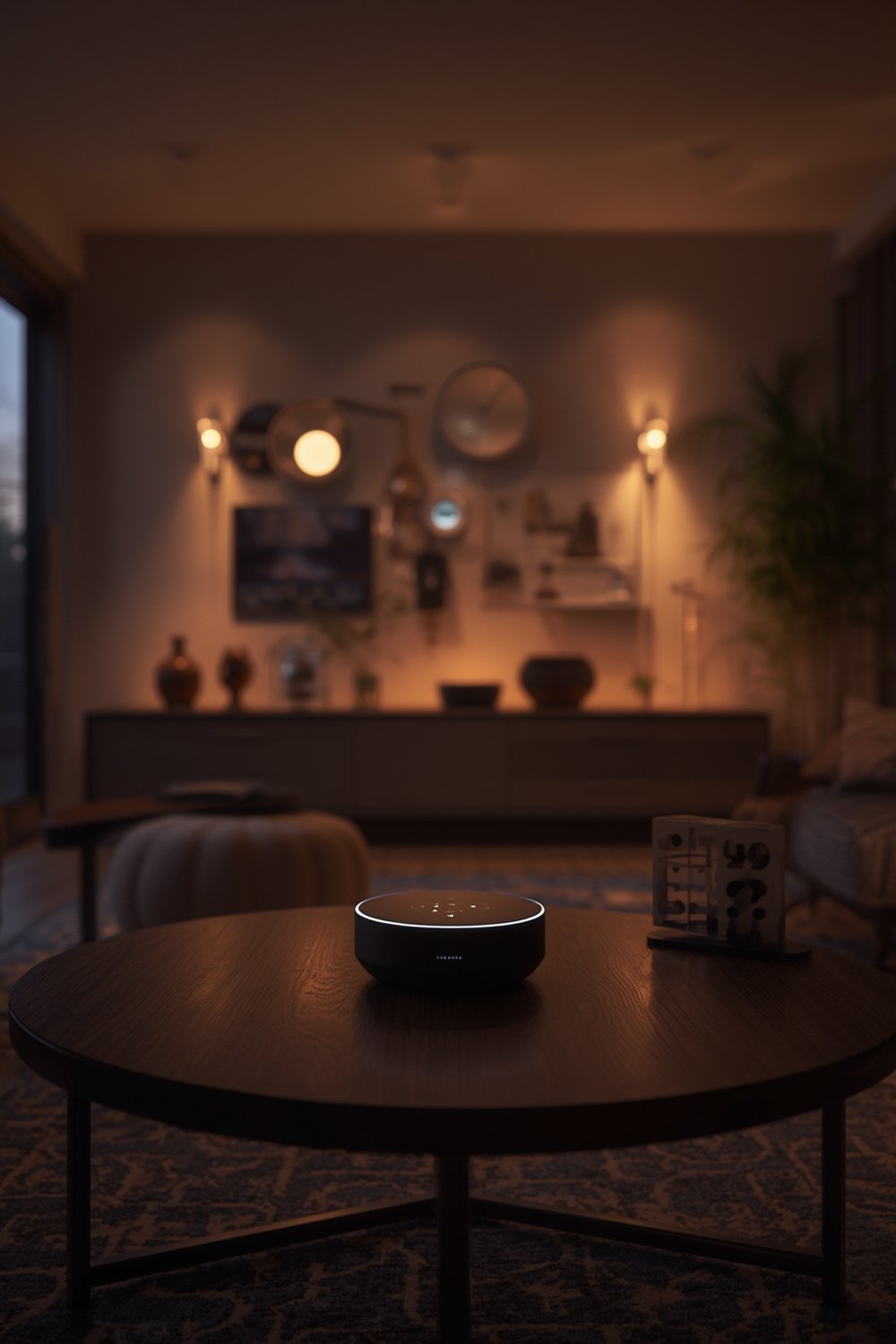
The shift from cloud-centric voice assistants to on-device, edge AI home automation hubs is happening quickly. Why? Processing voice commands, facial recognition, and routines locally instead of in vendor data centers means your private moments, schedules, and device usage patterns can no longer be scooped up for profiling or leaks.
Major brands now compete on “local first” and “no cloud” as a unique selling point. For example, OVAL promotes its privacy-focused smart home hub by emphasizing that no smart home data is transmitted externally (see OVAL’s AI hub overview), setting it apart from Google Nest or Amazon Echo, which have faced criticism over data collection and cloud lock-in (market stats).
Latency is reduced too: edge AI means commands run instantly, even if the router or ISP are misbehaving. In real-world testing, this “never frozen, never waiting” factor becomes more important as families rely on smart devices for locks, cameras, alarms, and more.
Market snapshot — adoption, growth and pricing that matter to buyers
- Benchmark your needs against market growth: In 2024, smart home hub sales hit $135–136 billion, and by 2034, this is expected to exceed $400 billion (Zion Market Research).
- Compare pricing tiers: Mid-range local processing smart hubs in 2026 usually cost $100–$300. Premium models with advanced edge AI and multisensor security features tend to start above $400.
- Survey real-world adoption: North America claims about one-third of global hub sales, with more than 30% household penetration. This makes protocol compatibility (Zigbee, Thread, Matter, Wi-Fi) and robust local support non-negotiable (coherent insights).
- Evaluate new feature tradeoffs against price. Cheaper smart hubs (<$100) often focus just on bridging protocols, missing out on real local AI processing for privacy—essential for voice and camera workflows.
- Factor in expected future needs: With growing concerns over data privacy in smart home devices, demand for local AI solutions is accelerating, so consider upgradability and firmware support longevity.
What “local AI” and “no-cloud” actually mean (technical primer for buyers)
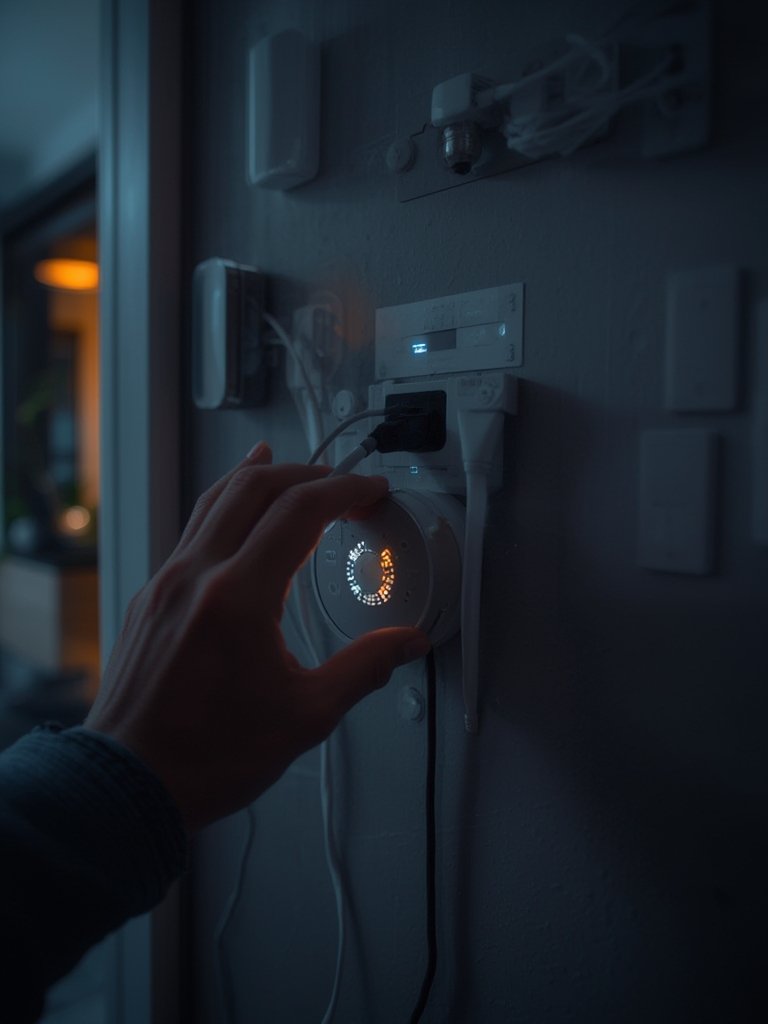
Local AI means automations, voice processing, or facial recognition happen entirely on the smart hub itself. Data never leaves your local network unless you explicitly approve it for a specific use. “No-cloud” means you can use the smart hub without creating a vendor account, relying on external servers, or sending daily usage logs off-site.
Many mainstream hubs (Google Nest, Amazon Echo) still depend on cloud servers for their strongest features, collecting voice samples, trigger logs, and telemetry by default—often flagged by privacy watchdogs (see market analysis).
- Edge AI Hub: All processing on-device. E.g., OVAL, Home Assistant Yellow.
- Hybrid Hub: Mix of local and cloud. E.g., Logitech.
- Cloud Hub: Relies on external servers for most features. E.g., Google Nest, Ring, Amazon Echo.
Be realistic—some integrations (like remote push notifications or voice-to-text for exotic languages) may still require limited cloud connectivity, but the best privacy-focused smart home hubs give you granular, opt-in control.
Common Pitfall: Misleading marketing
- Some “local” branded hubs use local control only for device bridging, not for AI or logging. Always check if voice/facial automations run locally or require cloud fallback.
Common Pitfall: Cloud lock-in risks
- If a hub needs a cloud account to run, you could lose critical features if the vendor shutters or changes policy. Insist on no-cloud or “cloud not required” operation.
Comparison Table: Edge vs Hybrid vs Cloud Hubs (2026)
| Hub Name | Processing | Privacy | Main Pros | Main Cons |
|---|---|---|---|---|
| OVAL | Edge AI (all on-device) | 5/5 | True privacy, reliable offline, built-in touchscreen, supports Zigbee, Matter, Thread, Wi-Fi | Higher initial cost, limited remote cloud features |
| Google Nest | Cloud AI | 2/5 | Best voice assistant accuracy, smart routines, rich integrations | Must send data to Google, dependent on internet, privacy concerns |
| Logitech Hub | Hybrid (local + cloud) | 3/5 | Flexible, creator workflows, partial offline, some data stays local | Not 100% private, some dependence on vendor for updates |
| Ring Alarm Base | Cloud | 2/5 | Simple setup, strong video ecosystem | Cloud-only for security, privacy flagged, feature loss if internet drops |
What I’d Actually Do
If I was prioritizing privacy and zero service disruption, I’d short-list OVAL or an open-source local hub (like those supporting Home Assistant) and avoid any model that forces a cloud account or constant data sync to external servers.
Key specs to prioritize in a local AI smart home hub (2026 checklist)
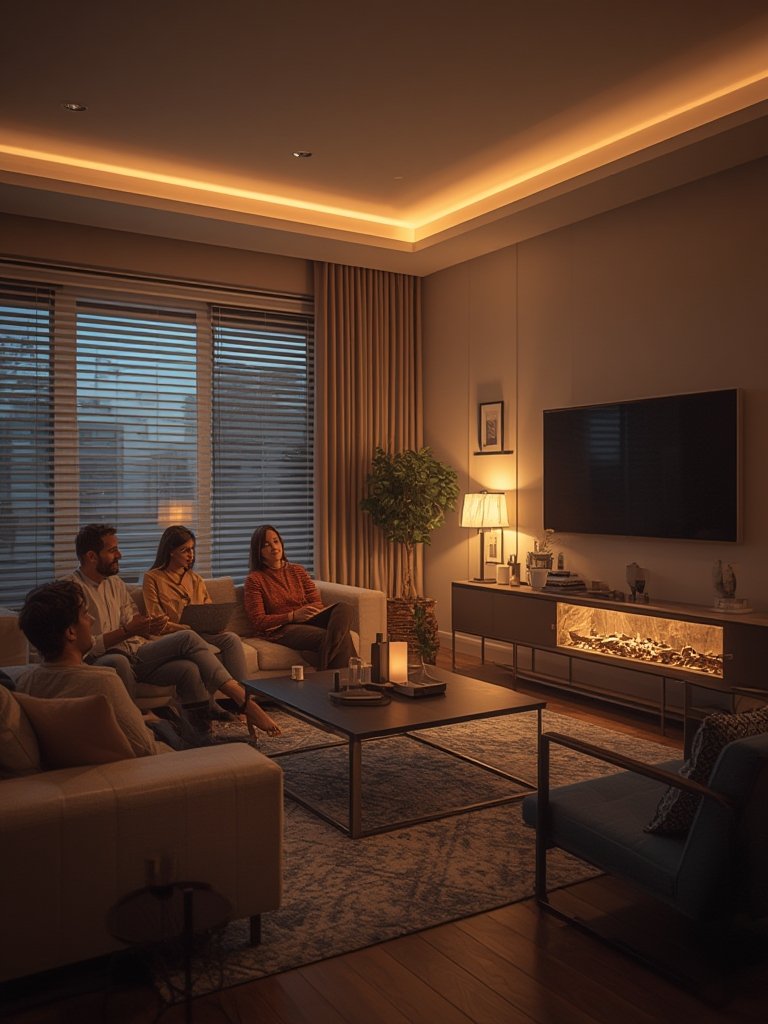
Using a smart hub without internet means you need to look for specific hardware and privacy features. Here’s a concise checklist you can use for your 2026 research:
- On-device AI/ML coprocessor (for voice, face, threat recognition without internet)
- Protocols: Full support for Zigbee, Thread, Matter, and Wi-Fi is a must for interoperability. See our guide on how Matter 2.0 changes compatibility.
- Touchscreen/voice controls for fast local use when phones are out of reach
- Expandable storage/encryption for logs and camera feeds—ideally with local-only deletion
- Update model—local firmware flashing, not just forced OTA cloud updates
- Uninterruptible Power Supply (UPS) or backup to survive “smart home blackout” moments
- Opt-in telemetry (never default), with a locally-stored audit log
According to research data, OVAL in 2026 ticks all these boxes: it includes an edge AI chipset, supports all common protocols, and builds in a battery and touchscreen for full local control, even during a power or network outage (see more at OVAL’s feature list).
If your needs stop at basic lighting or lock automation, mid-tier offline AI home assistants now offer affordable local alternatives. But if you want advanced security, always-on facial or voice recognition, or smart audio scene detection, invest in a model with dedicated local AI hardware.
For upgrade advice, check our internal guide to Matter 2.0 smart home hubs for long-term protocol futureproofing.
Privacy checklist — red flags and must-have privacy controls
- Does the hub process automations, voice, and camera feeds locally (no mandatory vendor cloud)?
- Will the system run and allow device setup with the WAN cable unplugged? (Test this during setup.)
- Is there a clear, audited privacy policy promising no silent uploads?
- Can you delete all recorded data and logs locally, without cloud approval?
- Are you forced to create a vendor account? If so, can you use a temporary alias or skip entirely?
- Does the UI offer opt-outs for telemetry and analytics?
- Is firmware signed and updateable over USB or SD, not just cloud OTA?
- Network Monitoring: Run Wireshark or similar tools for a day; unexpected cloud traffic is a dealbreaker.
Buyers and independent watchdogs have repeatedly flagged privacy issues with cloud-dependent smart home devices, especially voice recordings and device logs that are silently uploaded (see market overview). Stick to data privacy smart home devices with transparent, opt-in local controls and a published, auditable privacy model.
For an extended privacy safeguard, consider running your hub on a dedicated VLAN or segregated network, discussed in our smart home security section (see advanced segmentation tips).
Comparing the leading 2026 hub approaches — edge vs hybrid vs cloud
Here’s how the most popular hub types stack up side by side, with vendors and major differences in local AI, privacy, and reliability:
- Edge-first (e.g., OVAL, Home Assistant): All AI runs on hardware in your home. No internet required for daily automations or facial/voice routines. Data stays private, but initial setup may be less “plug and play,” and cloud remote access is limited.
- Hybrid (e.g., Logitech): Some data and automations run locally, but advanced features (integrations, cloud routines) call home. May balance convenience/features with some privacy, but risk of vendor lock-in remains.
- Cloud-centric (e.g., Google Nest, Ring): Almost all automations, voice recognition, and even rule storage happen on vendor servers. Setup is easy and feature depth is huge, but privacy is weaker and homes with patchy internet face real disruptions.
According to hands-on reviews, OVAL in 2026 offers the most local intelligence, while Google Nest excels in cloud AI voice features but trails in data privacy. Logitech’s middle-ground hybrid supports some offline routines but isn’t fully private or autonomous.
If you plan to automate doors, lights, or video security, think carefully about which scenario describes your actual day-to-day reality—are you OK with cloud dependence?
Our team’s hands-on review of OVAL and Google devices is referenced in the best smart home hub 2026 comparison.
Best use cases for an offline AI home assistant
A smart hub without internet is ideal if you:
- Need automations to trigger (in-door lighting, locking, thermostat tweaks) even when Wi-Fi drops out or your ISP is offline
- Want secure, instant facial recognition for camera or door lock events—without sending video off-premises
- Value ultra-low latency for voice or scene triggers—for example, “unlock door” completes instantly without cloud wait
- Handle especially sensitive audio or video (nurseries, offices, personal zones) where cloud risks are unacceptable
- Live in rural, patchy-infrastructure areas where reliable broadband isn’t guaranteed 24/7
Edge AI hubs like OVAL can run security, threat detection, and access control scenarios in real time, exemplifying offline AI home assistant benefits that cloud-centric brands can’t replicate.
Our research team details specific use cases for smart hubs without internet in the offline automation use case guide.
Price vs. value — how to evaluate tiers and expected ROI
Here’s how you should match your budget and priorities to hub choice in 2026:
- Basic Tiers ($100–$300): Good for lights, locks, scenes. Usually support local control, may lack full on-device AI for camera, voice, or threat recognition.
- Privacy-First Edge AI Hubs ($400+): Built for families and power users who demand real privacy, instant reliability, and advanced security. Reduce chance of forced upgrades, monthly cloud fees, or data leaks.
- Premium Models ($500+ with touchscreen/multisensor): Integrate dashboards, robust routines, deep logging, and ultra-reliable battery backup for real-world protection and comfort.
Long-term value comes not only from avoiding cloud subscriptions, but by reducing productivity loss, panic moments, and privacy headaches when servers or vendors fail. For most privacy-conscious, tech-savvy buyers, a local AI smart home hub offers a better five-year ROI, especially if you already run several smart devices and want true peace of mind.
See our full ROI breakdown and price comparison in the value tier smart hub analysis.
Shortlist & test plan — how to pick and trial a local AI smart home hub
Don’t trust vendor claims. Here’s a 7-point test plan to trial any “local AI” hub before you commit:
- Privacy Policy Scan: Read the full privacy statement; look for clauses around default uploads and data sharing.
- Network Traffic Check: Install a monitoring app and disconnect WAN—see what still goes to the cloud.
- Local Automation Setup: Try basic routines while offline—make sure schedules, triggers, and device control all work with no internet.
- Offline Behavior Test: Unplug the hub’s WAN and run for 24 hours. Does anything break?
- Backup/Recovery: Can you export settings and restore them locally, without cloud?
- Compatibility: Check Zigbee/Thread/Matter support and if all your key devices pair and operate as expected.
- Firmware Update Model: Does the vendor offer local USB or SD updates, or is OTA/cloud mandatory?
Give yourself a 30-day evaluation window on returnable hardware. North America’s hub penetration is above 30%, so most local AI hubs should work with your existing ecosystem—but test for hidden incompatibilities.
If you’re moving over from a cloud-dependent hub, see our migration explainer in the cloud-to-local transition guide for data export and device re-pairing steps.
FAQs on local AI smart home hubs, privacy, and offline operation
Can I use a smart home hub without internet?
Yes, with a privacy-focused smart hub designed for local operation, you can control devices, run automations, and even process voice or facial recognition while completely offline. However, some remote-access features and mobile notifications may be unavailable without the cloud.
Does running local AI limit the features of my smart home?
Most routine automations, voice commands, and security tasks can now run locally on edge AI hubs. However, integrations requiring third-party cloud services or complex remote routines may require hybrid or cloud modes. Always match the hub’s advertised capabilities to your actual use cases.
How secure is on-device storage in a local AI hub?
Modern edge AI hubs use robust local encryption, and the best models offer audited, user-controllable deletion for recordings or logs. Still, physical security matters—use a secure location and enable PIN-protection or biometric authentication where possible.
What happens if the vendor goes out of business?
If your hub is truly no-cloud, it should keep working locally even if the manufacturer’s servers shut down. For maximum futureproofing, choose hubs with open protocols, active community support, and locally exportable settings. Avoid brands that lock essential features behind mandatory cloud checks.
How do I migrate from a cloud-based to a local AI smart home hub?
Start by documenting current automations, then factory-reset your devices and pair them to the new hub following protocol-specific instructions. Some platforms, like Matter 2.0, make migration easier. Detailed steps are covered in our migration guide for 2026 local AI hubs.